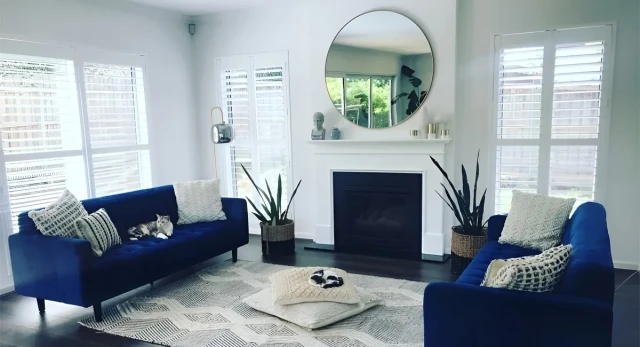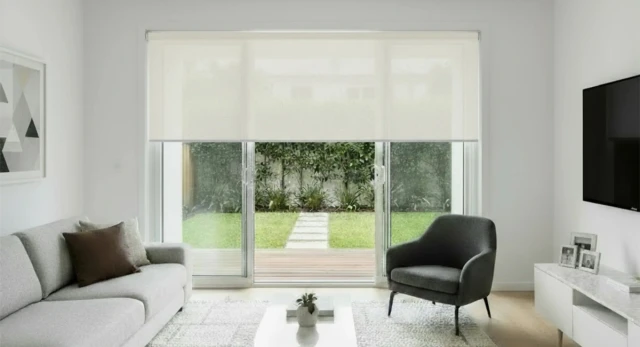
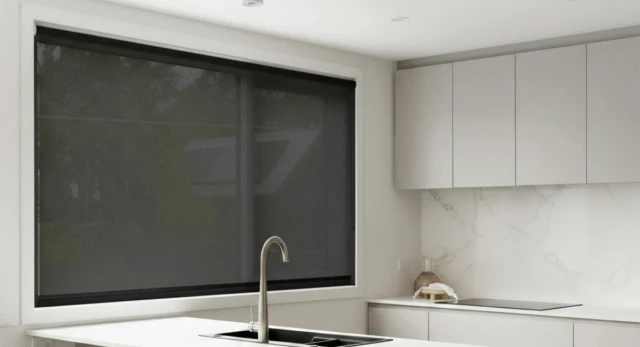
Automatic blinds make everyday light and privacy control easier, particularly across large, frequently used or hard-to-reach windows. At iSeekBlinds, the term refers to motorised roller blinds operated by remote or through a compatible smart-home system. Some simply move when you press a button, while others can follow schedules, scenes or automations. The current range includes rechargeable, chain-free RollerIQ and Automate Zero Li-ion motors, with each designed for a different style of control.
What Are Automatic Blinds
At iSeekBlinds, automatic blinds are roller blinds fitted with a motor in place of the manual chain mechanism.
The motor turns the roller tube to raise or lower the fabric, while the selected motor determines whether control is by remote, app, voice assistant or automation.
With iSeekBlinds, RollerIQ is designed for smart-home control, while Automate Zero Li-ion is built around remote control and can also be expanded with a compatible hub.
A motorised blind moves when you tell it to. An automated blind can also move because of a schedule, scene or smart-home routine.
RollerIQ for Smart Automatic Blinds
RollerIQ is the current iSeekBlinds smart-home-focused motor.
It uses Matter over Thread and works with compatible platforms including Apple Home, Google Home, Samsung SmartThings and Alexa.
With a compatible Matter and Thread setup, you can control the blind through your smart-home app or voice assistant and create routines for everyday use.
A bedroom blind could close in the evening. A west-facing living room blind could lower before strong afternoon sun reaches the glass. Several blinds could move together as part of an evening privacy scene.
RollerIQ does not need a separate dedicated Wi-Fi hub for its basic smart-home connection, although a compatible Thread Border Router is required within the smart-home system.
Choose RollerIQ when you want the blind to work within a compatible smart-home system using app control, voice commands, scenes or schedules.
Automate Zero Li-ion for Simple Motorised Control
Not every room needs smart-home automation.
Automate Zero Li-ion is a practical choice when the main goal is simply to make blinds easier to operate.
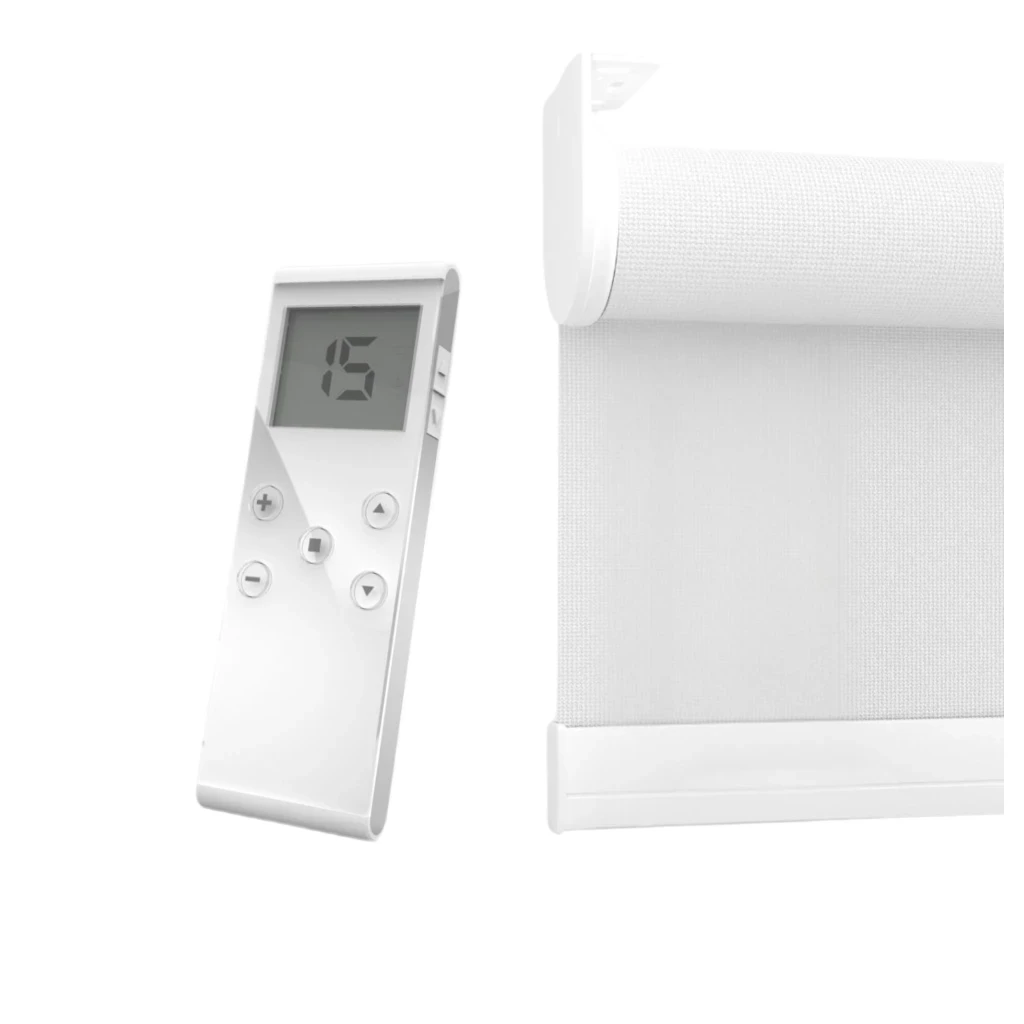
It uses a rechargeable motor and compatible remote control. The current iSeekBlinds range uses different motor sizes depending on blind width, including Q1.1 for smaller blinds and Q2.0 for wider ones.
A compatible remote can control individual blinds or groups.
If app or voice control is wanted later, Automate Zero Li-ion can be paired with a compatible hub.
For many households, straightforward remote operation provides all the control they need.
Rechargeable Rather Than Hardwired
RollerIQ and Automate Zero Li-ion are rechargeable, so there is no need to run mains power to each window.
That makes motorisation easier to add to an existing home, a renovation or compatible existing roller blinds through the iSeekBlinds retrofit motorisation program.
RollerIQ uses USB-C charging, while Automate Zero Li-ion uses its compatible Automate charging system.
Battery life is generally around 10 to 12 months for both current motors, although the actual interval depends on blind size and how often it operates.
When measuring a hard-to-reach window, think about future charging access as well as installation.
Where Automatic Blinds Make the Most Sense
Motorisation can suit many rooms, but it delivers the greatest benefit where a blind is large, difficult to reach or adjusted frequently.
Large windows are an obvious example because a wide blind is easier to operate by motor than by repeatedly pulling a chain.
Hard-to-reach windows are another. A blind positioned above furniture, behind a deep bench or higher on a wall can be controlled without reaching the operating mechanism every time.
Bedrooms also suit automation because the routine is predictable: open in the morning, close in the evening.
Living rooms benefit where glare and afternoon sun change throughout the day.
Automatic Blinds for Large Windows
The current iSeekBlinds motorised roller blind range supports suitable single blinds up to approximately 3,000 mm wide.
For wider openings, Linked Roller Blinds can divide the span into independently controlled sections, with linked layouts able to cover openings up to approximately 6,000 mm overall.
This is particularly useful across sliding doors and large open-plan spaces.
One blind can remain open for door access while another reduces glare.
For more detail, see Motorised Blinds for Large Windows .
Choose the Fabric Before the Technology
Automation changes how the blind moves. It does not change what the fabric does.
Sunscreen Roller Blinds suit windows where you want to reduce glare and harsh daylight while maintaining a daytime outlook.
Light Filter Roller Blinds soften natural light and provide visual screening, although privacy may reduce at night when interior lights are on.
Blockout Roller Blinds provide reliable privacy and stronger room darkening when lowered, although small installation gaps can still admit light.
Some rooms need different performance during the day and at night. In that situation, Double Roller Blinds can combine a daytime sunscreen or light filtering layer with blockout.
Choose the fabric first. Then choose the control system.
Using Automation for Light, Heat and Privacy
Automation is most useful when it helps the blinds move consistently at the times the room needs them.
For example, a sunscreen or blockout blind can only help control direct sun when it is lowered before the room has already heated up.
With a compatible smart setup, you can create routines around the way the room behaves.
A west-facing blind could lower before the strongest afternoon sun. Bedroom blinds could close in the evening. Living room blinds could open again once direct sunlight has moved away.
This does not replace insulation, efficient glazing or good building design. It simply makes it easier to use the window covering at useful times.
Privacy works the same way.
Large windows can feel open during the day but exposed once it becomes dark outside and the lights are on inside. A smart blockout blind can close as part of an evening scene so privacy becomes part of the routine.
That is where automation becomes practical rather than just impressive.
Measuring Automatic Roller Blinds
Motorised blinds still need accurate measurements.
Follow the iSeekBlinds Measure Roller Blinds guide and measure every window separately in millimetres.
Do not make your own manufacturing deductions. iSeekBlinds applies the required deductions according to the selected setup.
Before ordering, check recess depth, handles, winders and other obstructions.
A recess fit creates a neat, integrated appearance when there is enough clear depth. A face fit extends beyond the opening and can provide greater coverage for light control and privacy.
Back roll keeps the fabric closer to the window, while front roll can help clear handles or projecting frames.
Motorisation does not remove the need to plan these details correctly.
DIY Installation and Setup
iSeekBlinds motorised roller blinds are designed around DIY measuring and installation.
The Roller Blind Installation Guide includes motorised setup information, including RollerIQ Matter pairing and troubleshooting.
Both current motors are rechargeable, so a standard installation does not require mains wiring at the window.
For larger blinds, installation is often easier with two people. The brackets need to be level and securely fixed, and the blind should move freely without rubbing against handles, furniture or other obstructions.
Test the full movement before creating schedules or smart-home routines.
Retrofitting Existing Roller Blinds
You may not need to replace an existing roller blind simply because you want automatic control.
iSeekBlinds offers Retrofit Motorisation for compatible existing roller blinds.
The existing chain drive is replaced with a suitable motor, allowing the blind to become rechargeable and chain-free.
Compatibility depends on the existing blind and tube, so iSeekBlinds provides a retrofit test kit to confirm suitability before ordering.
Retrofit makes the most sense when the existing fabric and hardware are still in good condition.
Looking After Automatic Blinds
Maintenance is straightforward.
Keep the fabric clean according to its care instructions and make sure furniture or other objects do not interfere with the blind.
Recharge the motor when required and use the correct charging equipment.
If a smart blind stops responding, check the motor charge and smart-home connection before factory resetting anything.
RollerIQ and Automate Zero Li-ion use different control and charging systems, so follow the instructions for the motor installed.
For more detail, see Maintaining Motorised Blind Systems .
Are Automatic Blinds Worth It
Automatic blinds offer the most value when they solve a practical problem in the room.
They make sense when a blind is large, difficult to reach, used frequently or part of a room where light and privacy change predictably throughout the day.
They can also be worthwhile if you prefer a clean, chain-free finish.
There is no need to motorise every window; prioritise the blinds where easier operation or regular automation will be used.
Start with the windows where automation provides the greatest benefit, such as a large living room window, main bedroom, west-facing window or frequently used sliding door.
RollerIQ or Automate Zero Li-ion
Choose RollerIQ if you want the blind to form part of a compatible smart-home environment with app control, voice commands, scenes and schedules.
Choose Automate Zero Li-ion if you mainly want reliable remote-controlled motorisation and prefer a simpler setup, with the option to add compatible hub-based control later.
Both options are rechargeable and chain-free, and both suit custom-made iSeekBlinds roller blinds within their supported dimensions.
The main difference is how you want to control and automate the blind.
Quick Buying Checklist
- •
Decide whether you need simple motorisation or compatible smart-home automation.
- •
Choose RollerIQ for Matter over Thread smart-home control.
- •
Choose Automate Zero Li-ion for remote-controlled operation.
- •
Select sunscreen, light filtering or blockout fabric according to the room.
- •
Check whether the window needs a single, double or linked roller blind.
- •
Measure every window separately in millimetres.
- •
Check handles, recess depth, mounting space and roll direction.
- •
Plan how you will access the motor for occasional charging.
- •
Order fabric samples before choosing the final colour.
- •
Follow the current iSeekBlinds measuring and installation guides.
Final Thoughts
A well-chosen automatic blind should make everyday operation simpler.
With the current iSeekBlinds range, RollerIQ provides the strongest option for smart automation using Matter over Thread, while Automate Zero Li-ion provides straightforward rechargeable motorisation with remote control and optional hub-based connectivity.
Both remove the need for a chain and can make large, frequently used or difficult-to-reach windows much easier to manage.
The fabric still matters. The measurements still matter. The mounting position still matters.
Automation simply makes it easier to use the blind you have chosen.
Start with the room. Work out what you need from the window. Choose the right fabric. Then decide how much control you want.
For a broader overview, read the Complete Guide to Motorised Blinds . For large openings, see Motorised Blinds for Large Windows . Once the system is installed, use Maintaining Motorised Blind Systems for charging, cleaning and troubleshooting.
Choose the motor, fabric and control method around the way the room is actually used.
It should simply become part of how the room works.